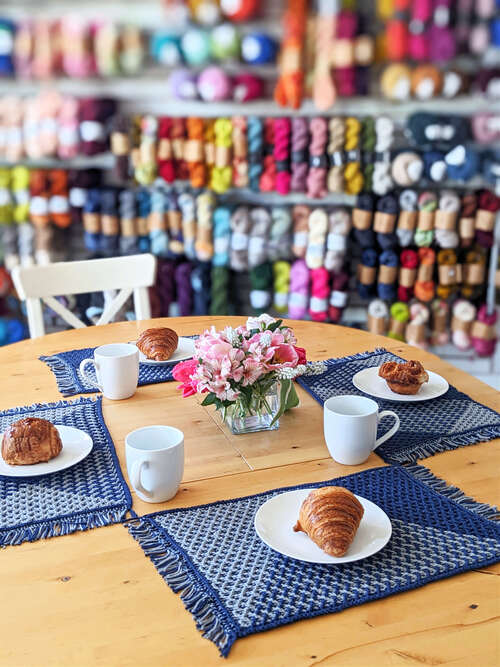
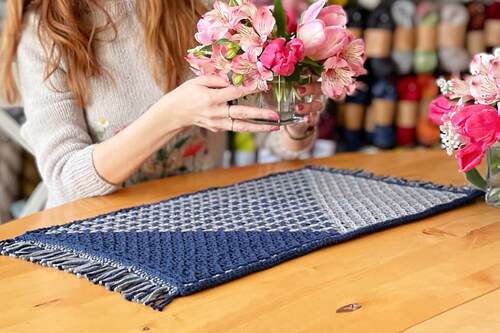
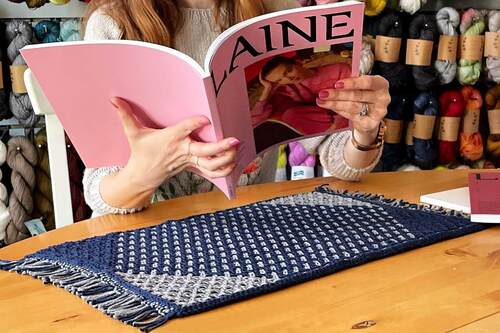
This program helps you visualize your placemat design. To knit your
design, use this program in conjunction with the
Woven Placemats Collection pattern.
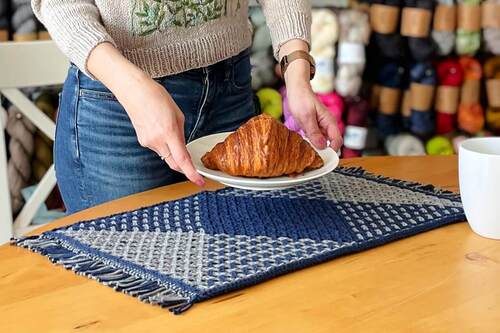
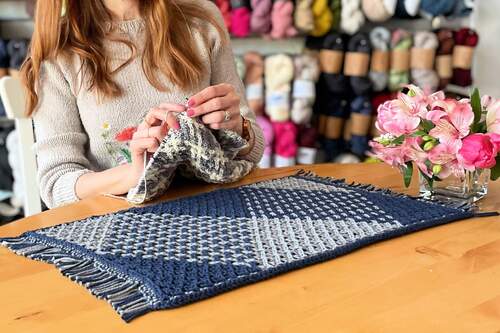
These placemats use an innovative knitting technique that replicates
woven fabric. There are fifty-six cables on this design; each starts
at the bottom and travels up the mat. If the cable reaches the side,
it changes horizontal direction and continues moving upwards.
Different designs are created by changing the colour of the cables.
There are lots of different colour combinations possible (2 to the
power of 56 to be exact) and each will create a different woven
motif.
There are many beautiful designs. I hope you enjoy creating your
own.
Instructions
This placemat is worked in 2 colours. The main colour (MC) is used
on the edges and the woven motif. The contrast colour (CC) is used
only in the woven motif.
The fifty-six cables are arranged in twenty-eight pairs. Pair 1
refers to the cables that start at the right end of the placemat;
pair 28 refers to the cables that start at the left end.
Toggle between MC or CC to choose the colour of each cable. Press
Draw Placemat to see your design. Press Continue Editing to make
changes to your design. When you are happy with your design, press
Create Pattern.
The Create Pattern feature is password-protected. The password is
found in your Ravelry download of the Design Your Own Placemat
purchase. You will also be asked for your email; please enter the
email used to purchase the pattern.
Consider taking screenshots of your placemat drawing and pattern to
access them in the future. Refer to the Design Your Own Placemat
document for instructions on using the pattern.
I would love to see your designs! Please share the pictures but do
NOT share the associated pattern.
Optional:
Choose the colour used to represent MC or CC in the drawing by
pressing the Pick MC/CC button.
Press Pick Background to choose the background colour of drawing.
Choose a colour that gives good definition to your MC/CC choices;
this is for viewing purposes only -- your placemat will NOT have
this background colour.
Choose the colours used in drawing the placemat to represent MC or
CC and the background that gives you a good definition with your MC
and CC choices.
MC
hex: #5F5FA5
CC
hex: #ffa500
Pick Background
hex: #ffffff
Press Draw Placemat to see how your placemat will look with your
selections.
To make changes to your inputs, press Continue Editing.
When you are happy with your placemat, press Create Pattern.
Changes cannot be made to the inputs after creating the
pattern.
Please screenshot inputs, drawing & pattern. This information will
not be saved.
Press Draw Placemat to update
Note: The drawings do not show the over/under crossing of the cables;
so the colour dominance of the combined colour blocks is not accurate.
Please use it as a guide to where different colour blocks form.
Consider taking screenshots of any information you would like to
access in the future.
I would love to see your designs. Please share the pictures but do NOT
share the associated pattern
These four placemats patterns are included in the Design Your Own
Placemat pattern.